On the plane
Airplane mode kills your connection right when you want to double-check the arrival time and the hotel address for the taxi.
The moment you need your itinerary most - stepping off a plane, hunting for the hotel, switching off roaming - is often the moment you have no connection. Here is how to keep your whole plan available offline, and why it matters.
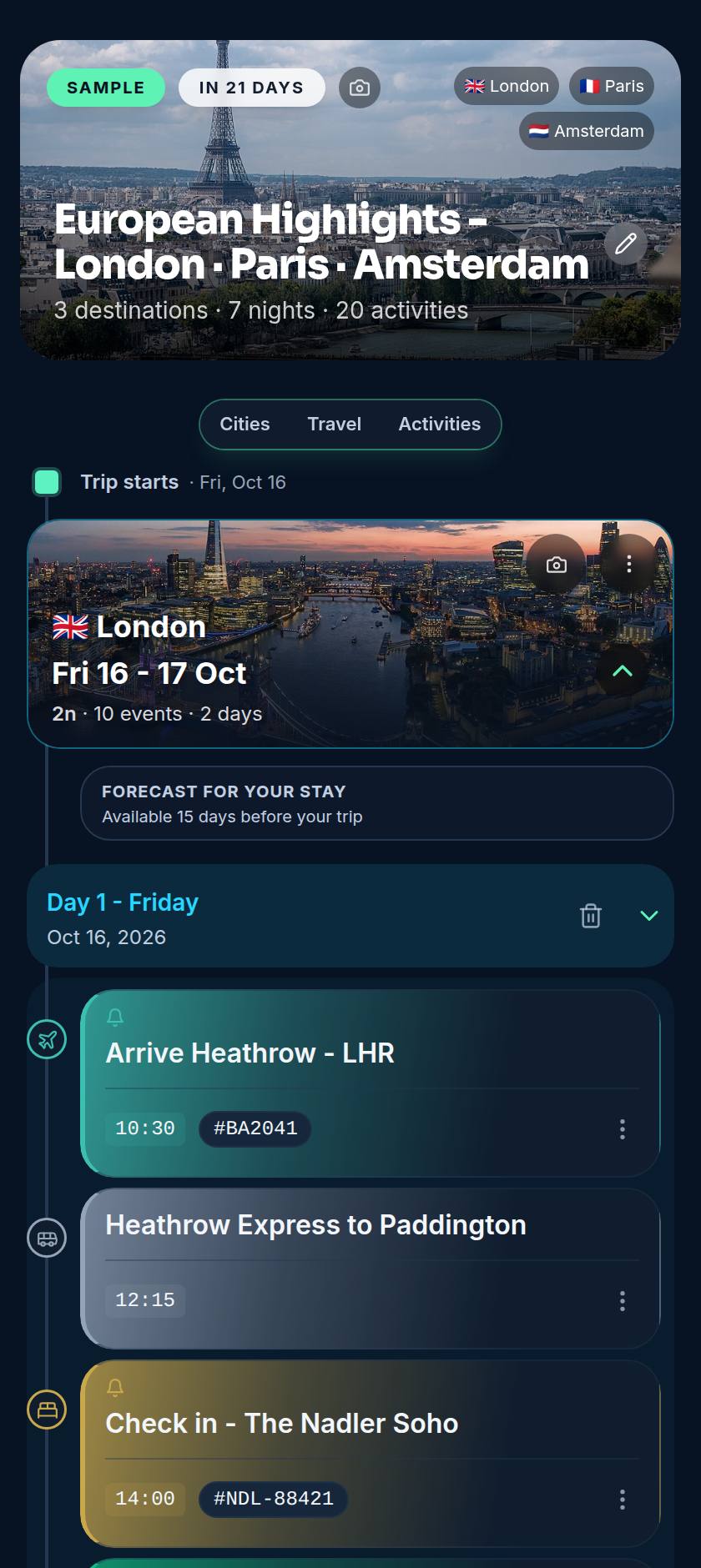
Airplane mode kills your connection right when you want to double-check the arrival time and the hotel address for the taxi.
Roaming is expensive and a local SIM takes time to sort. Your plan should not depend on either being ready.
Underground stations, remote trails, thick hotel walls - signal drops exactly where a quick check of the plan would help most.
Plenty of apps look fine on hotel wifi, then go blank the instant you lose signal - they fetch everything fresh from a server on each open, leaving a spinner where your flight details should be. That is the worst possible time to fail. The fix is simple: keep a copy of your trip on the device itself, so it never needs the network to show you what you already saved.
When a trip loads, Voyaij stores it locally so it opens instantly later - even with the connection off.
As a progressive web app it installs from the browser, then launches like a native app and boots straight to your trips offline.
Anything you change offline is saved and queued, then pushed automatically once you are back online - nothing is lost.
The result: open the app on the plane, in a tunnel or with roaming off, and your trips are right there. Reading them uses no data, and any edits you make catch up the moment you reconnect.
Sort your activities while you still have wifi, so they are in your plan when you land. Here are popular tours you can book ahead - powered by GetYourGuide.
Build your trip in Voyaij, add it to your home screen, and your whole plan travels with you - on the plane, abroad, and anywhere the signal drops. Free plan, no credit card, no app store.
Yes. Once a trip has loaded on your device, it is cached locally, so your full itinerary opens in airplane mode with no connection. You can read every flight time, hotel address and booking reference at 38,000 feet.
No app store needed. Voyaij is a progressive web app, so you add it to your home screen straight from the browser. It then behaves like an installed app, including opening and showing your trips offline.
Yes. Changes you make offline are saved on your device and queued, then synced automatically the next time you have a connection. You are not locked out of editing just because you are off the grid.
Reading your cached itinerary uses no data at all, which is exactly what you want on an expensive foreign SIM or with roaming switched off. Data is only used when you choose to sync changes or load something new.
Open Voyaij in your phone browser and choose 'Add to Home Screen' (on iPhone, from the share menu; on Android, from the browser menu). Open it once with a connection so your trips cache, and from then on it works offline.