Day 1: travel
- 08:00Leave home, snacks packed
- 12:00Arrive, lunch
- 15:00Check in, unpack, pool or beach
- 18:00Early dinner
Family trips fall apart when the plan is too full. This 5-day template keeps one main outing a day, a rest window after lunch, and a backup for rain. Share it with everyone so nobody has to ask what's next.
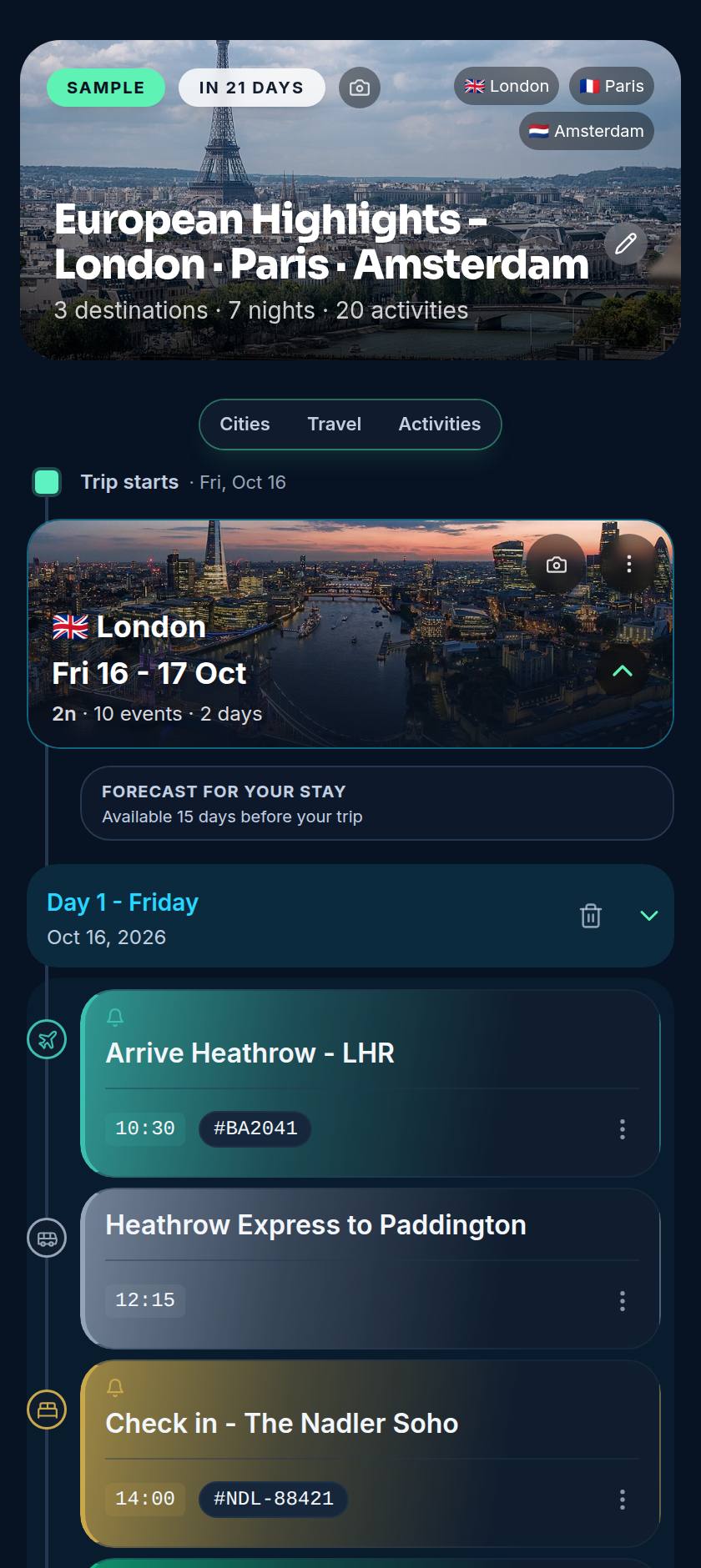
Booked anything for this trip? Forward the confirmation email to import@myvoyaij.com and Voyaij adds it to your timeline. Plain booking emails are free on every plan; a forward with a PDF attached uses one AI credit (Free 10, Starter 50, Pro 150 a month). Add the rest by hand for free, then share it with whoever's coming.
Take it with you: the trip opens offline in the Android app.
One main outing a day plus a rest window after lunch is a realistic rhythm for younger children.
Yes. Invite family members to the trip and everyone sees the same timeline. On Free you can share with one person, view only; Starter adds up to 3 people and Pro unlimited, and they can edit too.
Yes. Forward your booking confirmation emails to import@myvoyaij.com and they appear on your trip timeline. Plain booking emails are free on every plan. A forward with a PDF attached uses one AI credit: the Free plan includes 10 a month, Starter 50 and Pro 150.
No. You can add activities, restaurants and notes by hand on every plan, including Free. Only automatic import of activity confirmations is a paid feature.
Concierge is available on every plan.
The Free plan keeps up to 30 trips.